
oVirt no Fedora 18

Publicado por Daniel Lara Souza em 12/06/2013
[ Hits: 8.310 ]
Blog: http://danniel-lara.blogspot.com/

oVirt no Fedora 18
Após a instalação do Fedora vamos instalar o oVirt:
Instale o seu repositório:
# yum localinstall http://ovirt.org/releases/ovirt-release-fedora.noarch.rpm
Agora a instalação do oVirt:
# yum install ovirt-engine -y
Adicione no /etc/hosts um domínio com IP, como por exemplo:
Agora digite no terminal:
# engine-setup
O instalador irá solicitar algumas informações. Veja um exemplo de saída:
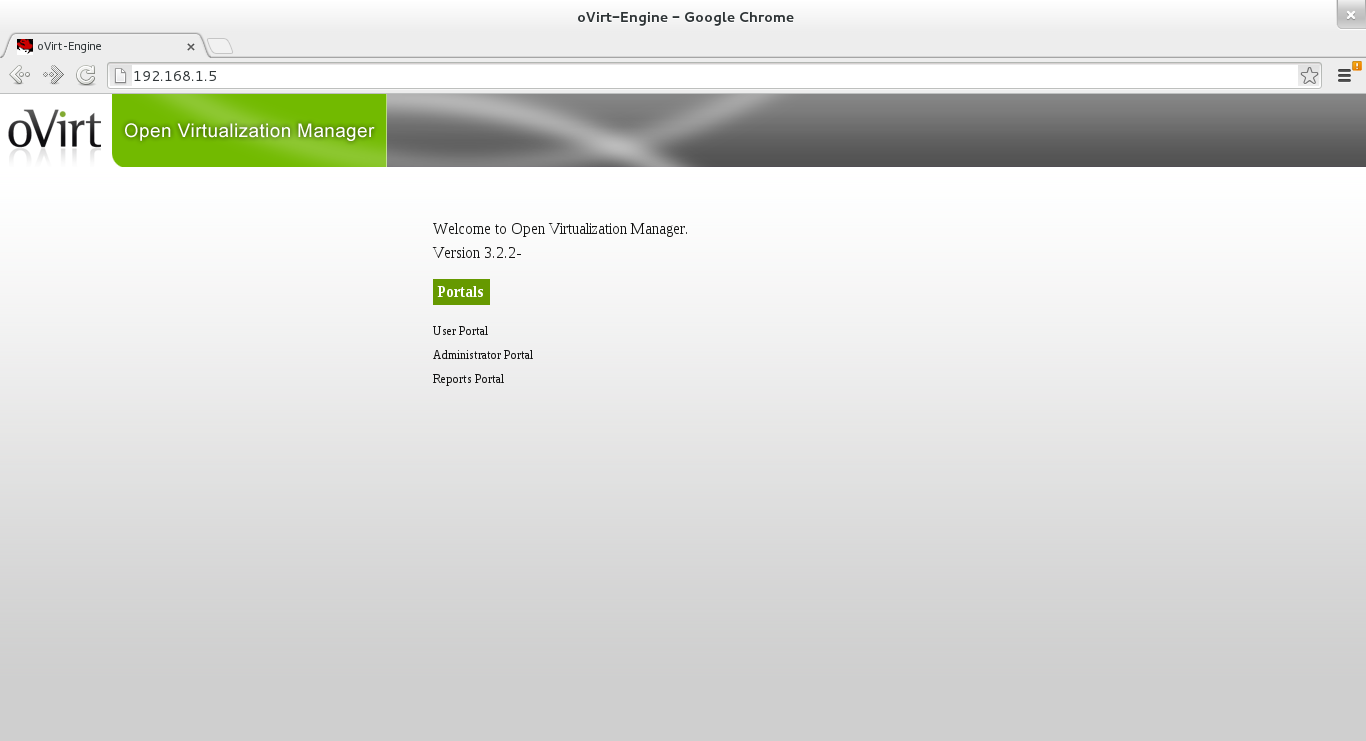
Welcome to oVirt Engine setup utilityPronto o oVirt está instalado, para acessar digite no seu browser:
oVirt Engine uses httpd to proxy requests to the application server.
It looks like the httpd installed locally is being actively used.
The installer can override current configuration.
Alternatively you can use JBoss directly (on ports higher than 1024)
Do you wish to override current httpd configuration and restart the service? ['yes'| 'no'] [yes] :
HTTP Port [80] :
HTTPS Port [443] :
Host fully qualified domain name. Note: this name should be fully resolvable [localhost.localdomain] : ovirt.local
Enter a password for an internal oVirt Engine administrator user (admin@internal) :
Confirm password :
Organization Name for the Certificate [localdomain] : ovirt.local
The engine can be configured to present the UI in three different application modes. virt [Manage virtualization only], gluster [Manage gluster storage only], and both [Manage virtualization as well as gluster storage] ['virt'| 'gluster'| 'both'] [both] :
The default storage type you will be using ['NFS'| 'FC'| 'ISCSI'| 'POSIXFS'] [NFS] :
Enter DB type for installation ['remote'| 'local'] [local] :
Enter a password for a local oVirt Engine DB admin user (engine) :
Confirm password :
Configure NFS share on this server to be used as an ISO Domain? ['yes'| 'no'] [yes] :
Local ISO domain path [/var/lib/exports/iso] :
Firewall ports need to be opened.
The installer can configure firewall automatically overriding the current configuration. The old configuration will be backed up.
Alternately you can configure the firewall later using an example file.
Which firewall do you wish to configure? ['None'| 'Firewalld']: Firewalld
oVirt Engine will be installed using the following configuration:
=================================================================
override-httpd-config: yes
http-port: 80
https-port: 443
host-fqdn: ovirt.local
auth-pass: ********
org-name: ovirt.local
application-mode: both
default-dc-type: NFS
db-remote-install: local
db-local-pass: ********
nfs-mp: /var/lib/exports/iso
config-nfs: yes
override-firewall: Firewalld
Proceed with the configuration listed above? (yes|no): yes
Installing:
Configuring oVirt Engine... [ DONE ]
Configuring JVM... [ DONE ]
Creating CA... [ DONE ]
Updating ovirt-engine service... [ DONE ]
Setting Database Configuration... [ DONE ]
Setting Database Security... [ DONE ]
Creating Database... [ DONE ]
Updating the Default Data Center Storage Type... [ DONE ]
Editing oVirt Engine Configuration... [ DONE ]
Editing Postgresql Configuration... [ DONE ]
Configuring the Default ISO Domain... [ DONE ]
Configuring Firewall... [ DONE ]
Starting ovirt-engine Service... [ DONE ]
Configuring HTTPD... [ DONE ]
**** Installation completed successfully ******
(Please allow oVirt Engine a few moments to start up.....)
**** To access oVirt Engine browse to http://ovirt.local:80 ****
Additional information:
* There are less than 4096 MBs of available free memory on this machine.
It is recommended to have at least 4096 MBs of available memory to run the oVirt Engine.
* oVirt Engine CA SSL Certificate SHA1 fingerprint: 08:E3:A8:C3:6E:07:8F:43:DD:91:09:00:04:34:BF:49:91:15:58:26
* SSH Public key fingerprint: d7:46:15:51:42:98:66:47:8d:7d:80:d1:a8:b8:30:2e
* A default ISO share has been created on this host.
If IP based access restrictions are required, please edit /var/lib/exports/iso entry in /etc/exports
* The installation log file is available at: /var/log/ovirt-engine/engine-setup_2013_06_04_21_48_25.log
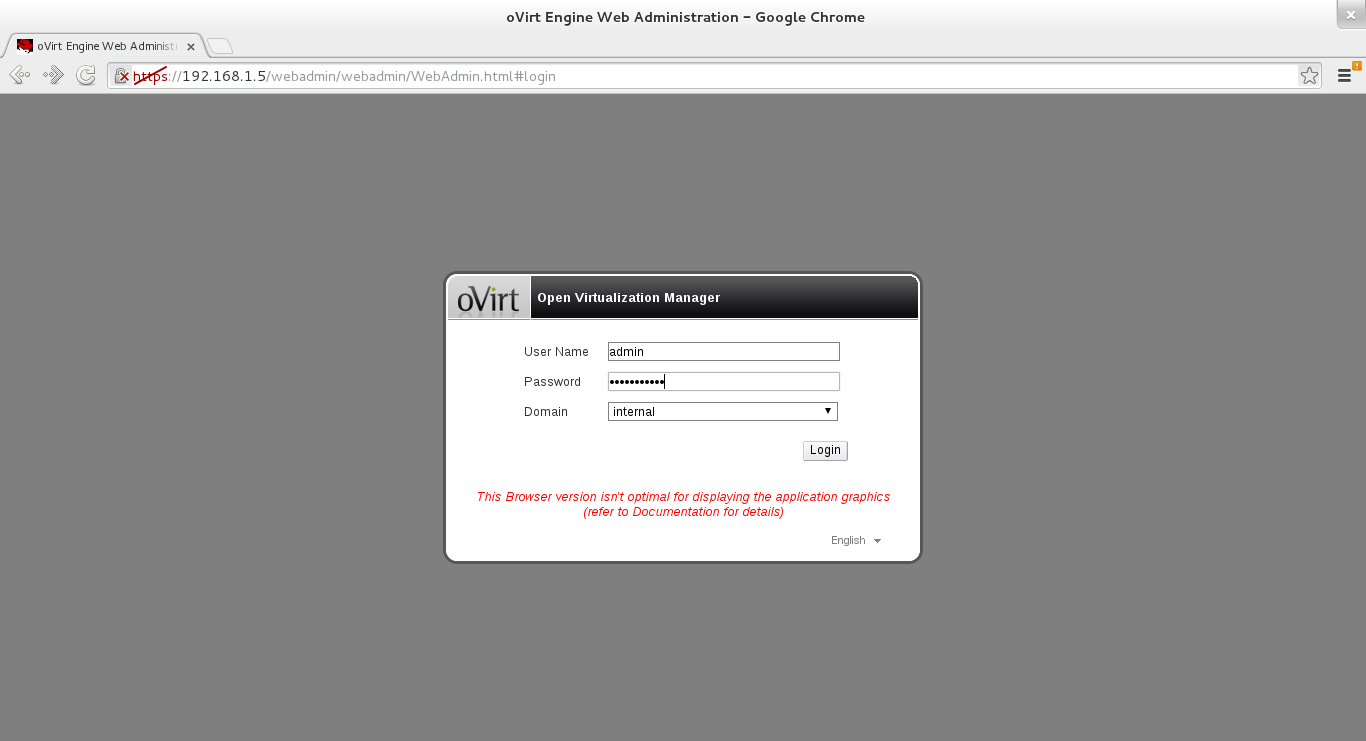
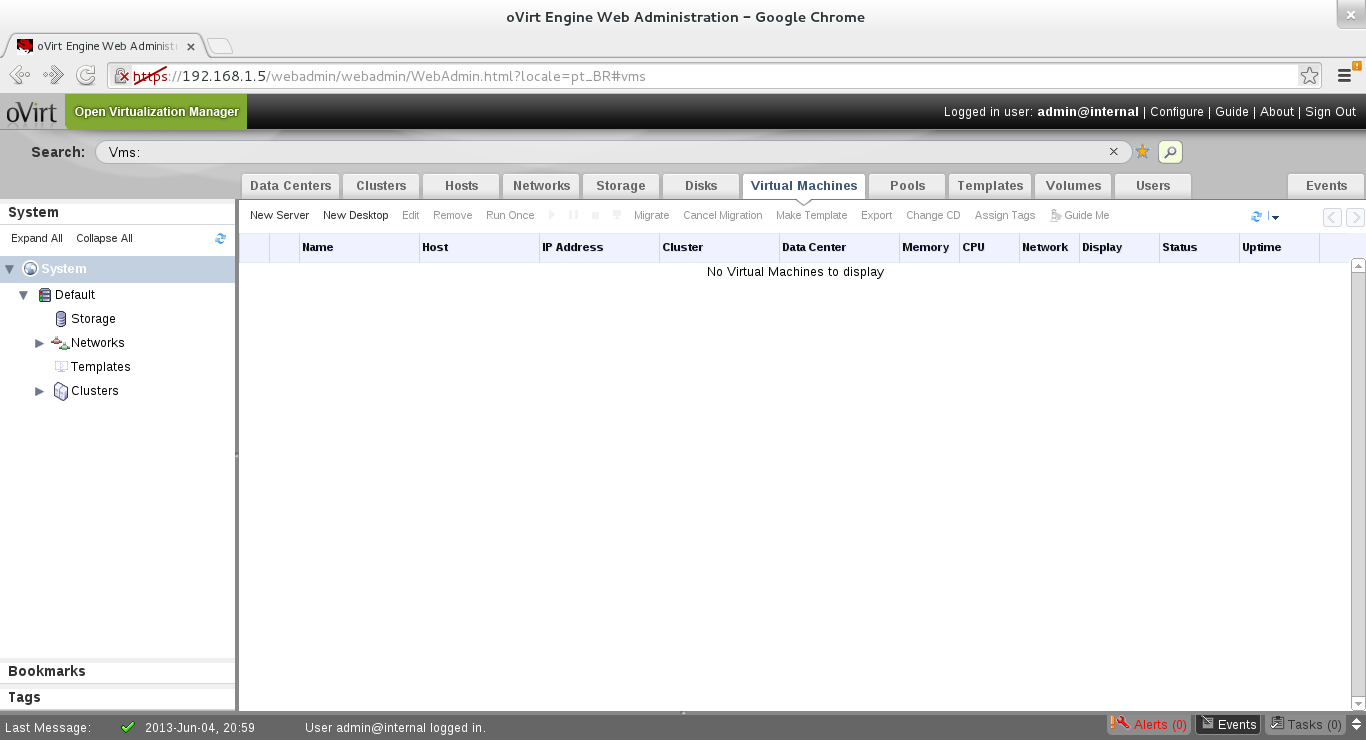
* Please use the user "admin" and password specified in order to login into oVirt Engine
* To configure additional users, first configure authentication domains using the 'engine-manage-domains' utility
- http://<IP do servidor do oVirt>
- http://www.ovirt.org
- Features/oVirt « Fedora Wiki
- oVirt all-in-one no Fedora 18 « Mr. Marcelo Babosa
Compartilhando internet com CentOS 6.4
Instalando o editor Vim no CentOS
Fedybr - uma alternativa ao Fedy no seu Fedora
Instalando Drivers Catalyst e NVIDIA no Fedora 18
Plymouth no BigLinux - Instalando temas
Instalando o Real Player 10 em três passos no Slackware 11
Instalando o p7zip-desktop no Deepin 20
Jogo Pokémon Golden Sky no Linux
Como instalar o Frostwire no Linux Mint 17.2
Nenhum comentário foi encontrado.
Patrocínio

Destaques
Artigos
O Editor de Texto Nano: Simplicidade no Terminal
SynapSeq - programa para estimular as ondas cerebrais
Por que seu __DIR__ falhou ou o "inferno" dos caminhos no PHP
Preparando-se para certificações da LPI através do LPI Lab
Migração de Arch Linux para repositórios CachyOS (Uso de Instruções v3 e v4)
Dicas
Jogando "Magic" gratuitamente no Linux
Zoxide e fzf no bash para incrementar o uso do Terminal
As diferencas entre o clipboard comum e a selecao ativa
Arch Linux com repos do CachyOS para otimização ou usar Gentoo?
Tópicos
A falsa sensação de que entende a tal da palavra! (0)
Eu aprendi o segredo das artes! hahaha (2)
Como instalo o Clipper/Harbour no Linux Ubuntu (0)
Top 10 do mês
-

Xerxes
1° lugar - 139.890 pts -

Fábio Berbert de Paula
2° lugar - 71.032 pts -

Buckminster
3° lugar - 47.360 pts -

Alberto Federman Neto.
4° lugar - 37.732 pts -

Alessandro de Oliveira Faria (A.K.A. CABELO)
5° lugar - 25.014 pts -

edps
6° lugar - 24.128 pts -

Sidnei Serra
7° lugar - 23.483 pts -

Daniel Lara Souza
8° lugar - 22.832 pts -

Mauricio Ferrari (LinuxProativo)
9° lugar - 21.375 pts -

Andre (pinduvoz)
10° lugar - 17.889 pts
Scripts

A maior comunidade GNU/Linux da América Latina! Artigos, dicas, tutoriais, fórum, scripts e muito mais. Ideal para quem busca auto-ajuda.
Site hospedado por:
